 A11yWidget
v1.6.2
A11yWidget
v1.6.2
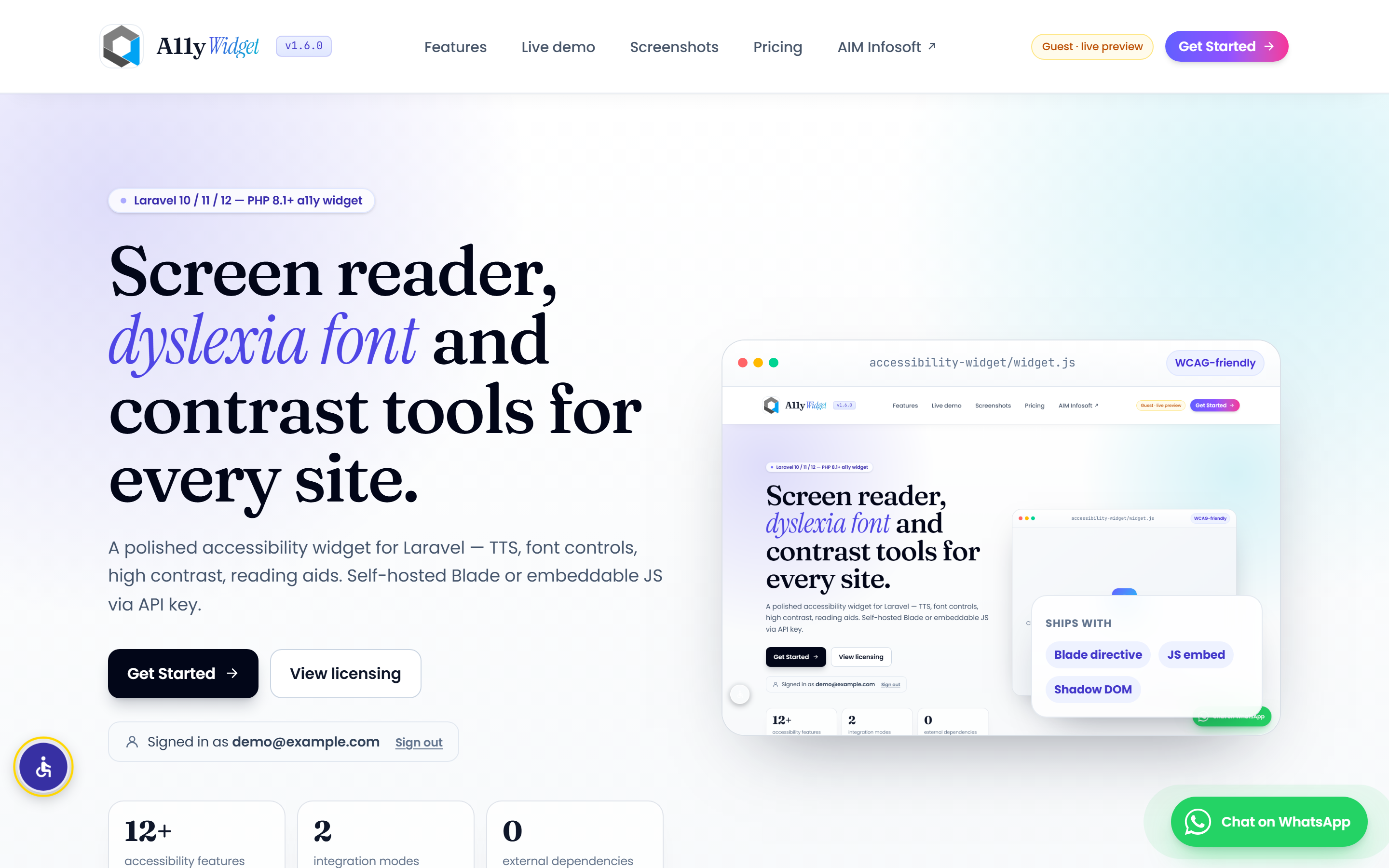
Screen reader, dyslexia font and contrast tools for every site.
A polished accessibility widget for Laravel — TTS, font controls, high contrast, reading aids. Self-hosted Blade or embeddable JS via API key.
What's inside
An accessibility layer for your Laravel app.
One composer require — twelve features ship:
screen reader, font controls, reading aids, contrast, dyslexia font, page navigation,
plus an embeddable JS mode with per-domain API keys.
Screen reader (TTS)
Native Web Speech API. Voice picker, speed slider, read-selection mode. Zero external services.
Font + spacing controls
Font size 80%–150%, line height, letter spacing. Per-user, persisted in localStorage.
Reading aids
Reading guide bar, reading mask, focus highlight, image alt-text tooltips.
Contrast + grayscale
High contrast, grayscale, dyslexia-friendly font (OpenDyslexic), link highlight, big cursor.
Page navigation
Jump between H1–H6, links, and images with live counts. Skip-link for keyboard users.
Drop-in JS embed
One script tag with your domain-scoped API key. Loads in an isolated Shadow DOM — no CSS conflicts.
Run the demo
Try it three ways, on this very page.
The widget is loaded on this page via the Blade directive. The same widget is available as an embeddable JS bundle.
Want the embed code & your API key?
Tell us about your site and accessibility needs. Our team will get back to you within 1 business day. The floating widget below is already live for you to test.
Blade directive
Add @accessibilityWidget to your layout. That's it. Live on every page.
Embeddable JS
One script tag with data-key="ak_live_…". Drop into any HTML site, no Laravel needed.
Try it now
Open the floating button on this page → toggle features → preferences persist in localStorage.
Screenshots
See the accessibility widget in action.
Real screenshots of the widget — the floating accessibility button, the settings panel, and the embeddable JS mode running inside a Shadow DOM. Captured from the live app.
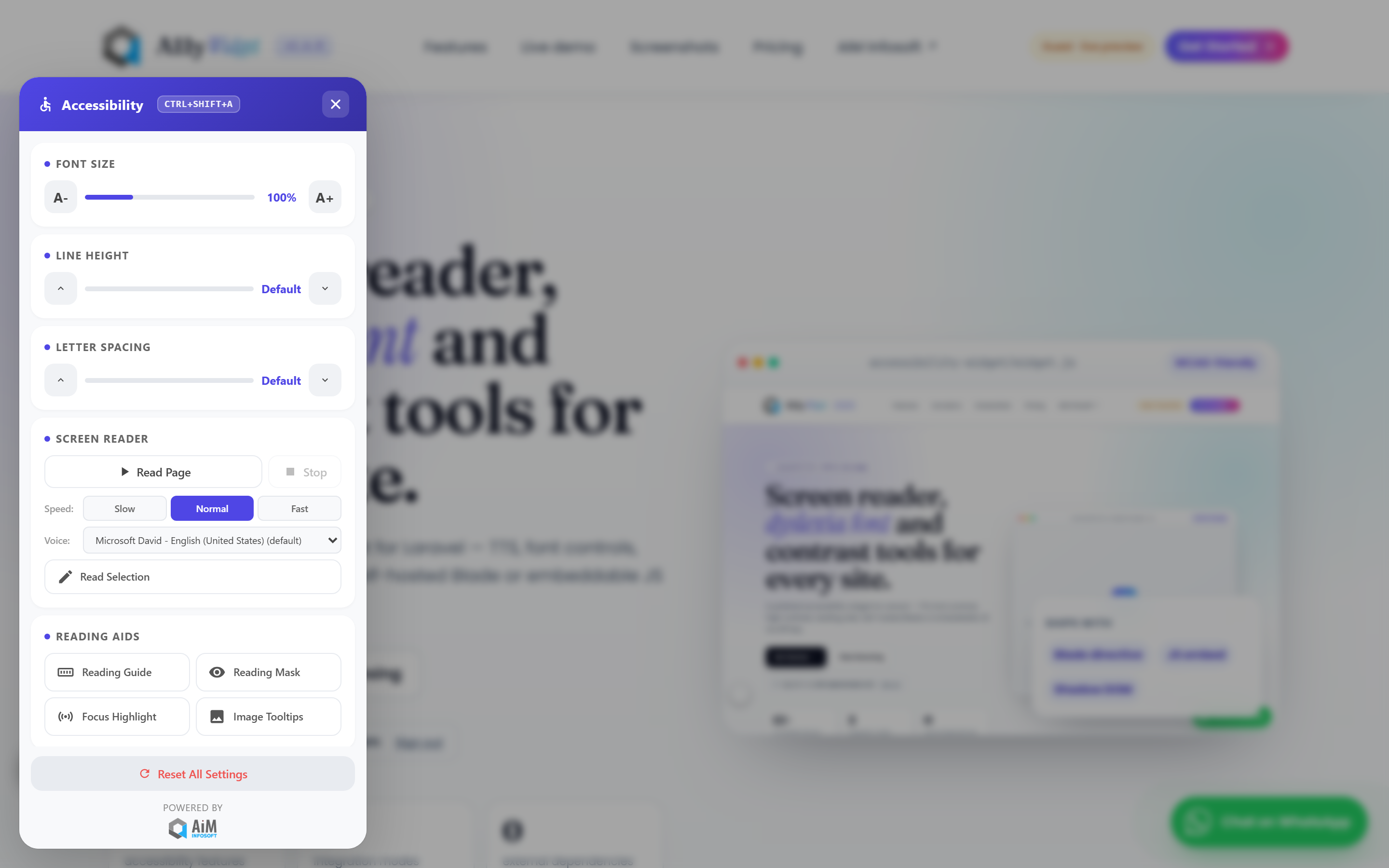
Accessibility widget in context
The widget overlays any page without touching your existing styles. Bottom-left toggle by default; positions and colours are configurable.
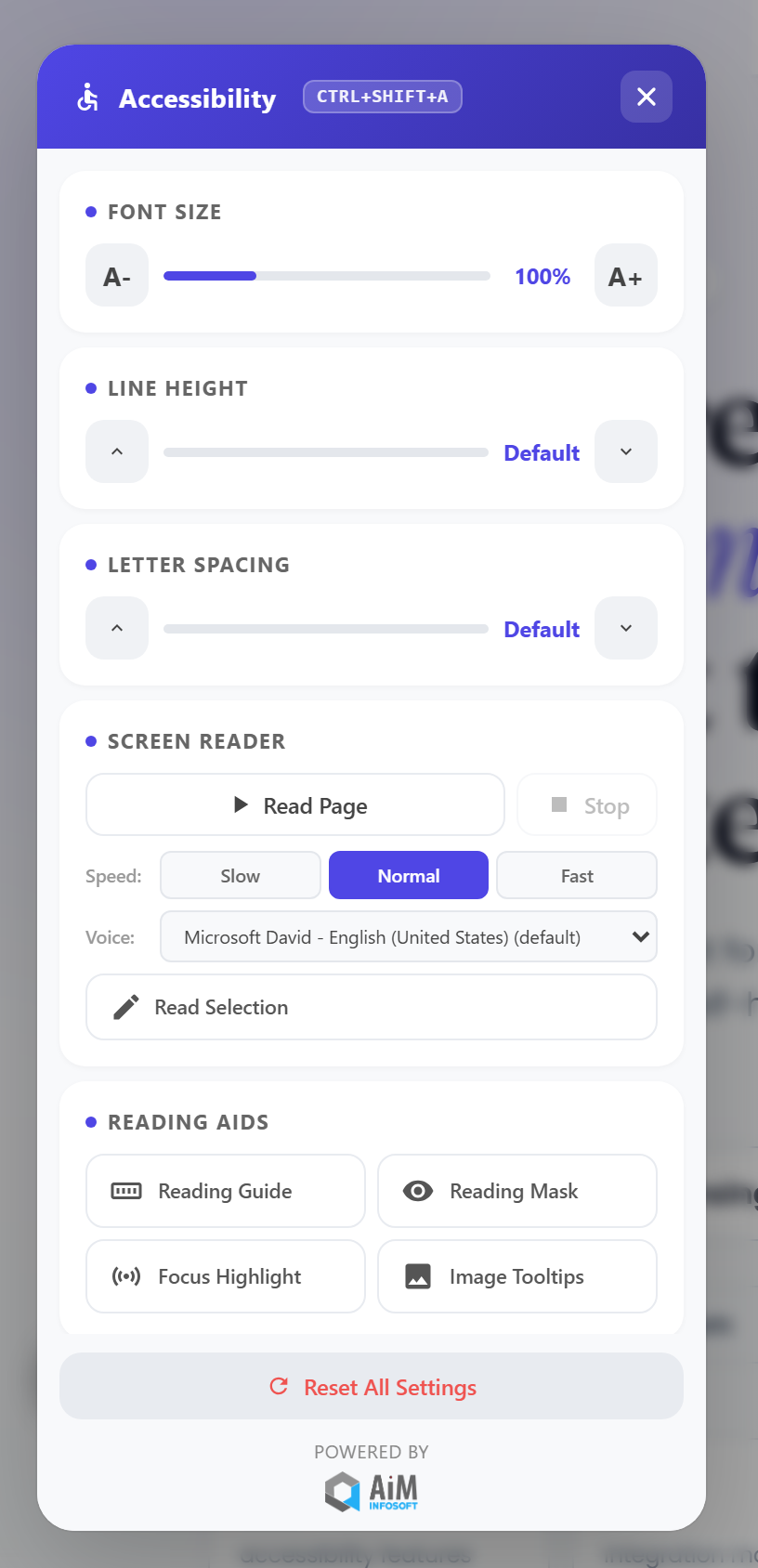
Accessibility settings panel
Twelve a11y features in one panel — font + spacing sliders, TTS with voice + speed, reading aids, contrast / dyslexia font, page navigation. Settings persist in localStorage.
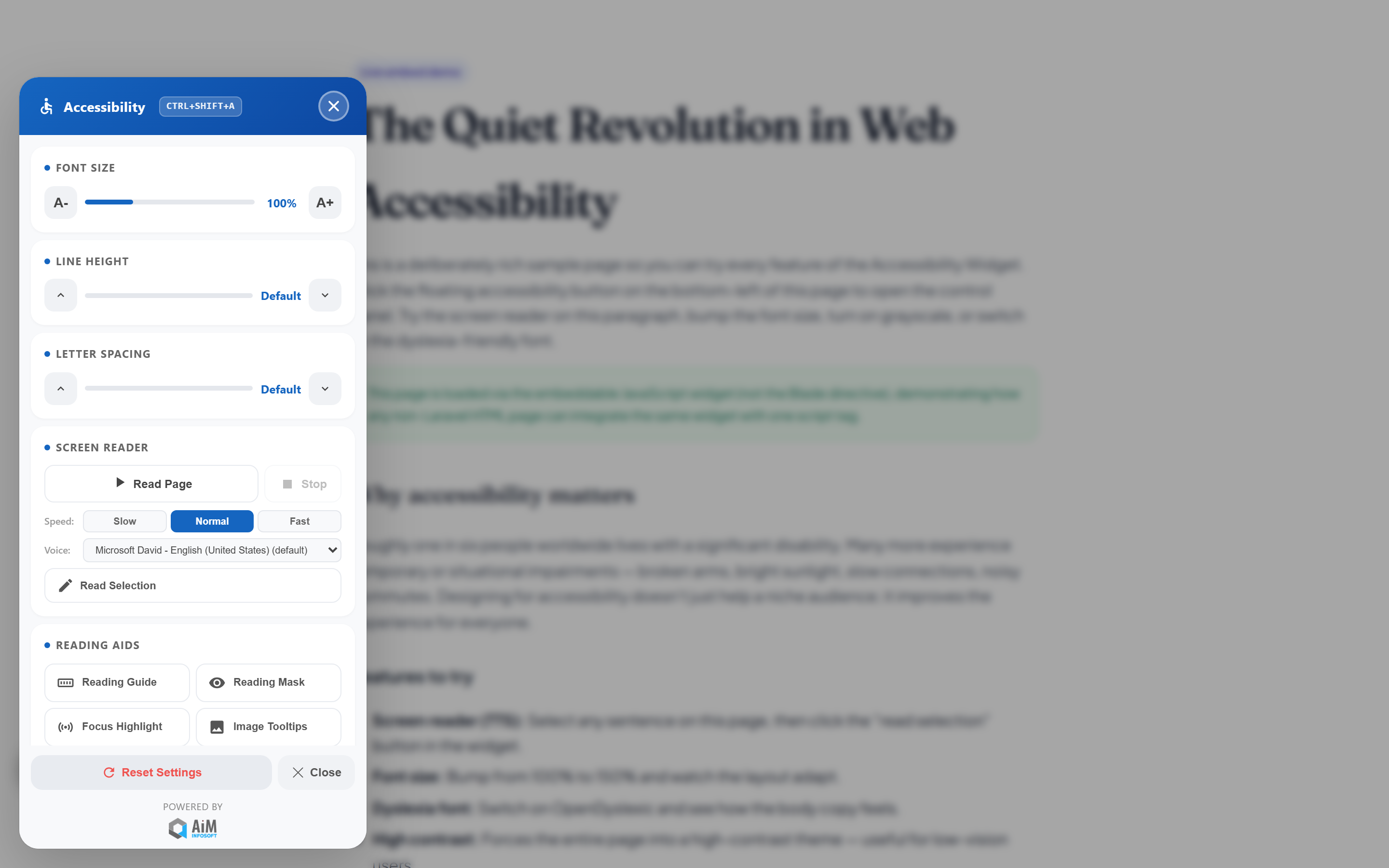
Embeddable JS mode — Shadow DOM
Same widget, no Laravel required. One <script> tag + your domain-scoped API key, rendered in an isolated Shadow DOM so it can’t collide with site CSS.
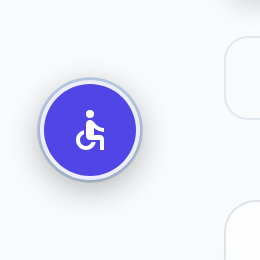
Floating accessibility button
Universal a11y icon, WCAG-friendly contrast, keyboard focusable. Customisable position, primary colour and offset.
Pricing
One hosted plan. Drop in a script tag.
We host the backend and manage API keys. You add one <script> tag to your site — that's it.
Hosted
We host the backend. You drop one script tag into any site.
- 1 domain included
- Managed hosting + updates
- Usage analytics
- Email support
- Per-domain API keys
How it works
After signup we provision a per-domain API key. Add
<script src="https://cdn.example.com/widget.js" data-key="YOUR_KEY"></script>
to your site — the widget loads in an isolated Shadow DOM. No package install, no migrations.
