The Quiet Revolution in Web Accessibility
This is a deliberately rich sample page so you can try every feature of the Accessibility Widget. Click the floating accessibility button on the bottom-left of this page to open the control panel. Try the screen reader on this paragraph, bump the font size, turn on grayscale, or switch to the dyslexia-friendly font.
Why accessibility matters
Roughly one in six people worldwide lives with a significant disability. Many more experience temporary or situational impairments — broken arms, bright sunlight, slow connections, noisy commutes. Designing for accessibility doesn't just help a niche audience; it improves the experience for everyone.
Features to try
- Screen reader (TTS): Select any sentence on this page, then click the "read selection" button in the widget.
- Font size: Bump from 100% to 150% and watch the layout adapt.
- Dyslexia font: Switch on OpenDyslexic and see how the body copy feels.
- High contrast: Forces the entire page into a high-contrast theme — useful for low-vision users.
- Reading guide: A horizontal bar that follows your mouse, helping you stay on the current line.
- Page navigation: Jump between headings (this page has H1, H2, H3), links, and images.
Sample image
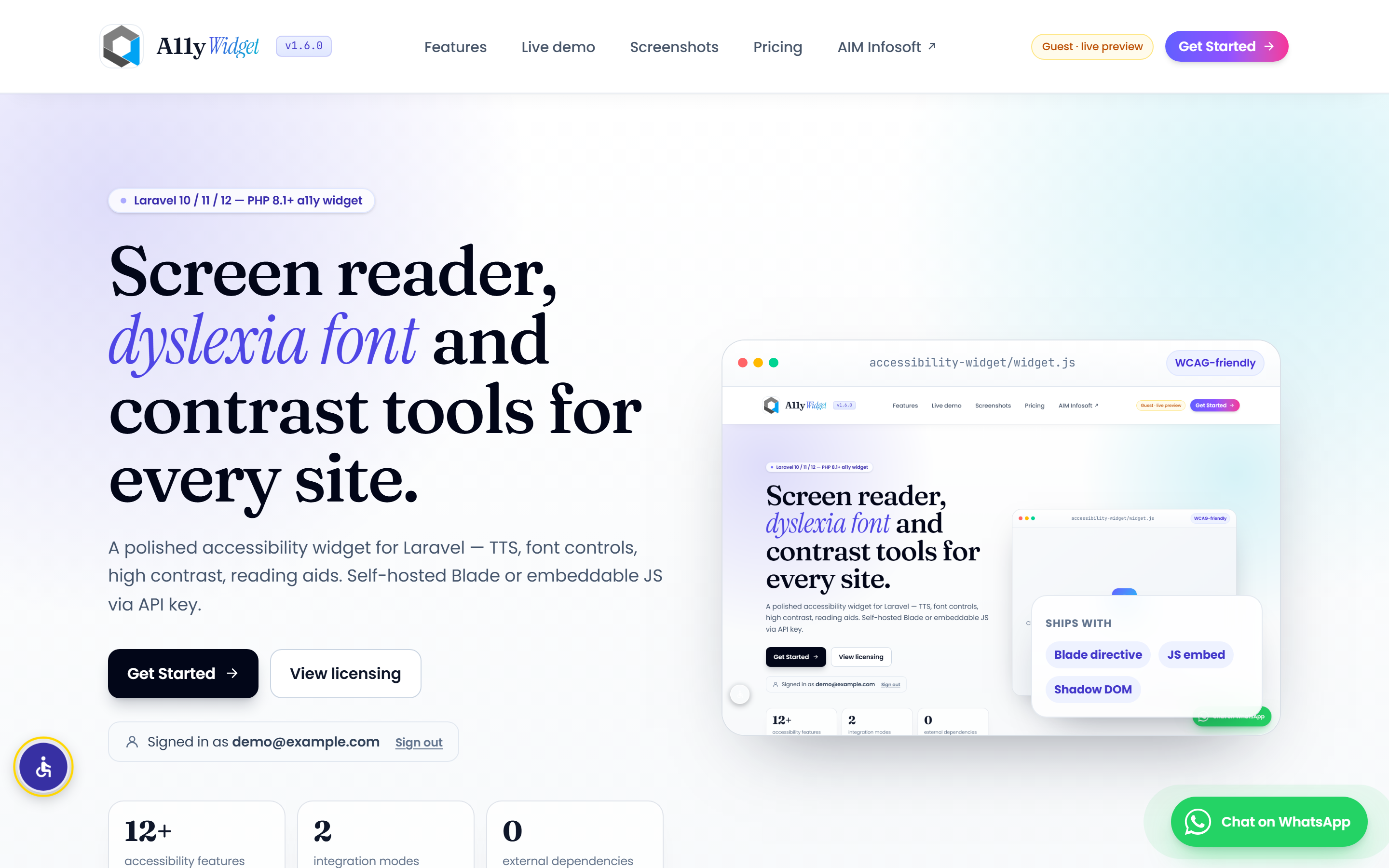
The widget can announce alt text and add tooltips to images:
Sample links
Visit the WCAG guidelines, read about OpenDyslexic, or check the landing page again. Highlighting all links on the page is also a single toggle.
How it's wired
The embed script tag on this page is:
<script src="https://accessibility.aiminfosoft.com/accessibility-widget/widget.js" data-key="ak_live_SODaTplMprFllXJxkMqpZBgUVefdNBZMqlSwMvKP"></script>
That's the entire integration — no other code, no other dependencies. The widget loads in a Shadow DOM so its styles cannot conflict with this page.